

Welcome Message
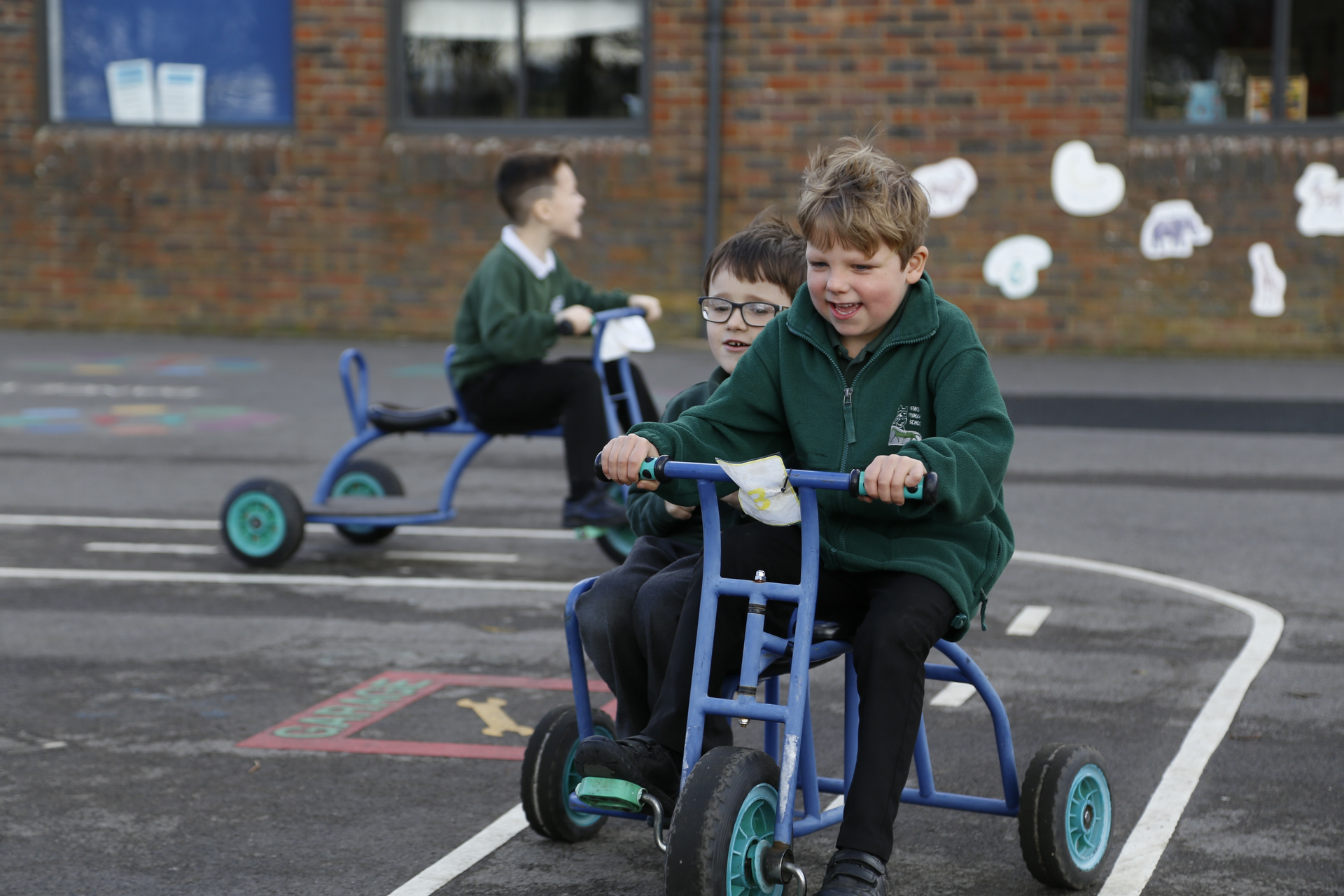
It gives us great pleasure to welcome you to Pewsey Primary School’s website and to a school where the key to our mission statement is, ‘We work best when we work together’. Here at Pewsey Primary we welcome children, their parents and carers into a friendly, happy and hardworking environment where respect for others, positive attitudes towards work and behaviour are encouraged and nurtured.

What's New
Today we said goodbye to our wonderful Year 6 class. 💙 They've had a fantastic final week, celebrating with a leavers' party, water fight, slip-and-slide and this morning, a very special leavers' assembly. We are incredibly proud of everything they have achieved during their time at Pewsey Primary School and know they are ready for the exciting adventures ahead. Good luck, Year 6 – we'll miss you, and we can't wait to hear about all the amazing things you go on to do! 🌟🎓 Wishing all of our families a happy, safe and relaxing summer holiday! ☀️


Yesterday, our Year 6 children became authors as they proudly shared the books they have written with Reception class. It was wonderful to see our oldest pupils reading their stories with such confidence, while our youngest children listened with smiles, curiosity and excitement. The Year 6 children have worked incredibly hard on their writing, and it was lovely for them to have the opportunity to inspire a love of reading and storytelling in our Reception pupils. We are so proud of the care, creativity and kindness our Year 6 children showed. Moments like these remind us what a special school community we have. 💙📚✨


https://teaching-vacancies.service.gov.uk/jobs/teaching-assistant-maternity-cover-pewsey-primary-school
https://teaching-vacancies.service.gov.uk/jobs/teaching-assistant-maternity-cover-pewsey-primary-school
Well done to everyone who took part in the Glurbs French Challenge. Pewsey Primary School came fourth nationally, in the medium schools section, with 220 points. Great effort!

Last week, our Year 5 and 6 pupils had a fantastic time taking part in a Dance for Rights workshop led by The Royal Ballet and Opera Schools. Through movement, creativity and teamwork, the children explored themes of rights, respect and self-expression, while building confidence and developing new dance skills. It was wonderful to see everyone fully engaged, supporting one another and expressing themselves so enthusiastically. A huge thank you to The Royal Ballet and Opera Schools for delivering such an inspiring and memorable experience for our pupils! 🌟💃🕺


Today, our Year 6 pupils enjoyed a special trip, taking part in a pizza-making workshop before heading to the cinema to watch Toy Story 5. It was a wonderful day filled with fun, laughter, and memories that we hope will stay with them for years to come. We are incredibly proud of every single one of them. They represented our school brilliantly, showing excellent behaviour, kindness, and maturity throughout the day. What a fantastic way to celebrate the end of our Year 6 children's primary school journey!🍕🎬


✨ Cinderella & Rockerfella! ✨ We are so proud of our Year 5 and 6 children for their fantastic production last week. Every single child showed confidence, enthusiasm, and teamwork, making the performance truly memorable. Their hard work and dedication shone through from start to finish. A huge well done to all of our amazing performers, and thank you to our staff, families, and everyone who supported them along the way. We hope you enjoy looking back at these wonderful moments! 🌟👏


It has been so hot inside that Reception have been learning outside (under the trees) some afternoons this week. The children have enjoyed a variety of water activities and also some quiet, calming ones.


https://teaching-vacancies.service.gov.uk/jobs/academy-chief-financial-officer
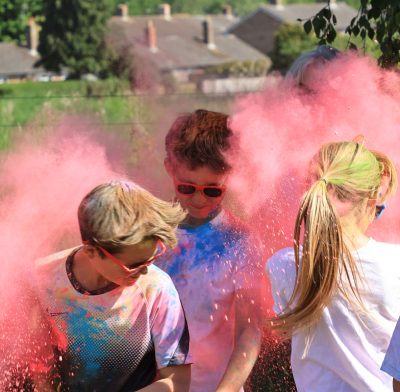
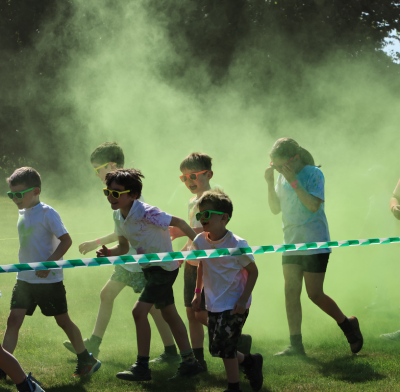
What a fantastic Sports Day yesterday! A huge well done to all of our pupils for their enthusiasm, determination and teamwork throughout the day. Thank you to our staff, families and supporters who helped make the event such a success. We are incredibly proud of everyone who took part and embodied our school values so brilliantly. ✨


No Events to show
Help - Adding External Calendars
Below you will find instructions on how to add calendars from different platforms:
Google Calendar
- 1. Open Google Calendar in your browser
- 2. Click the settings gear icon next to your calendar
- 3. Select "Settings and sharing"
- 4. Scroll down to "Access permissions" section
- 5. Copy the "Public URL to this calendar" link
- 6. Paste the link in the "Calendar link" field
https://calendar.google.com/calendar/embed?src=example@gmail.comOutlook Calendar
- 1. Open Outlook Calendar in your browser
- 2. Click "Share" next to your calendar
- 3. Select "Publish calendar"
- 4. Copy the "ICS" or "Web link"
- 5. Paste the link in the "Calendar link" field
https://outlook.live.com/calendar/action/view?id=exampleApple iCloud Calendar
- 1. Open iCloud Calendar in your browser
- 2. Click "Share" next to your calendar
- 3. Select "Public calendar"
- 4. Copy the "Public calendar" link
- 5. Paste the link in the "Calendar link" field
https://p123-calendars.icloud.com/published/2/exampleICS File
- 1. Find a link to an .ics file
- 2. The link must end with .ics
- 3. Paste the link in the "Calendar link" field
- 4. Example: https://example.com/calendar.ics
https://example.com/calendar.ics


